A browser extension I built because I needed it, plus the templates, prompts and checklists from my own SaaS video work. Sign up once and you get all of it, free.
Browser extension · Chrome, Edge, Brave, Arc, FirefoxBuilt by me
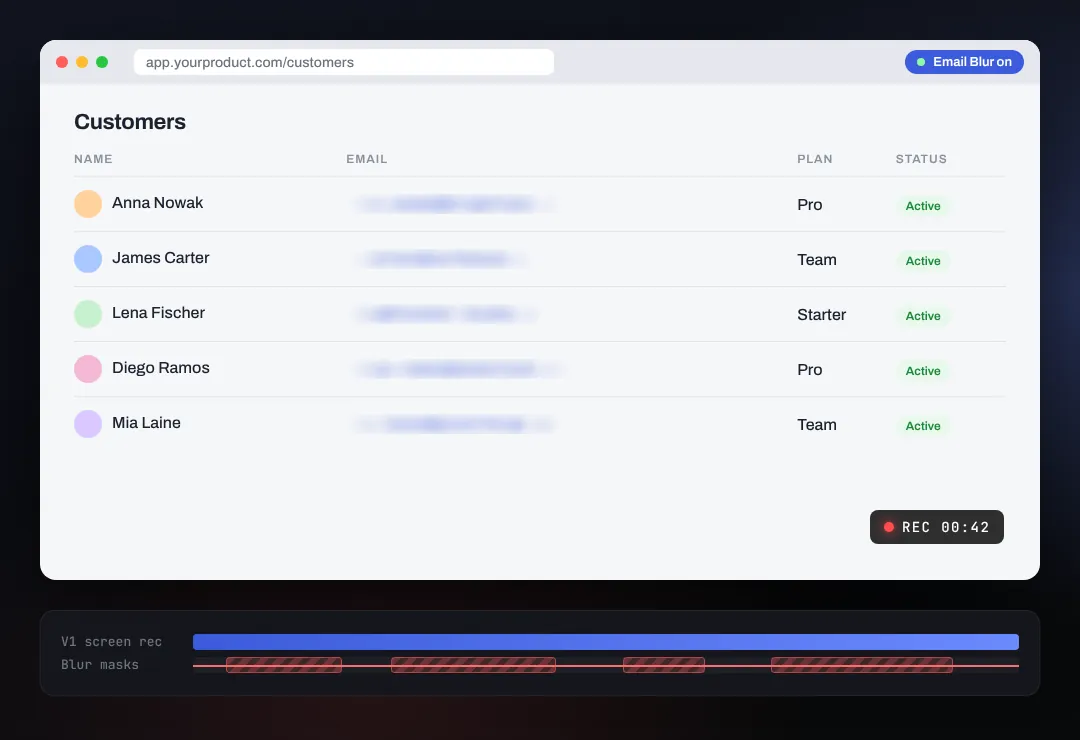
Email Blur
Blurs every email address on the page, live, before you hit record. I built it for my own product videos: one visible customer email used to mean a blur mask in the edit, tracked by hand, take after take. Now the recording is clean from the first take, and it works just as well when you share your screen on a call.
Unlock with signup
How to install in Chrome (1 minute)
- Unzip it and move the
email-blur folder somewhere permanent (not Downloads, not iCloud or OneDrive).
- Open
chrome://extensions and turn on Developer mode (top right).
- Click Load unpacked and pick the
email-blur folder.
- Pin it from the puzzle icon. One click on the envelope turns blurring on or off.
Edge, Brave, Arc and Firefox steps, plus the limits worth knowing before you record, are in the guide on GitHub, next to the full source code. It runs locally, needs one permission (to remember on/off) and sends nothing anywhere.
PDF · 6 pages · fillable
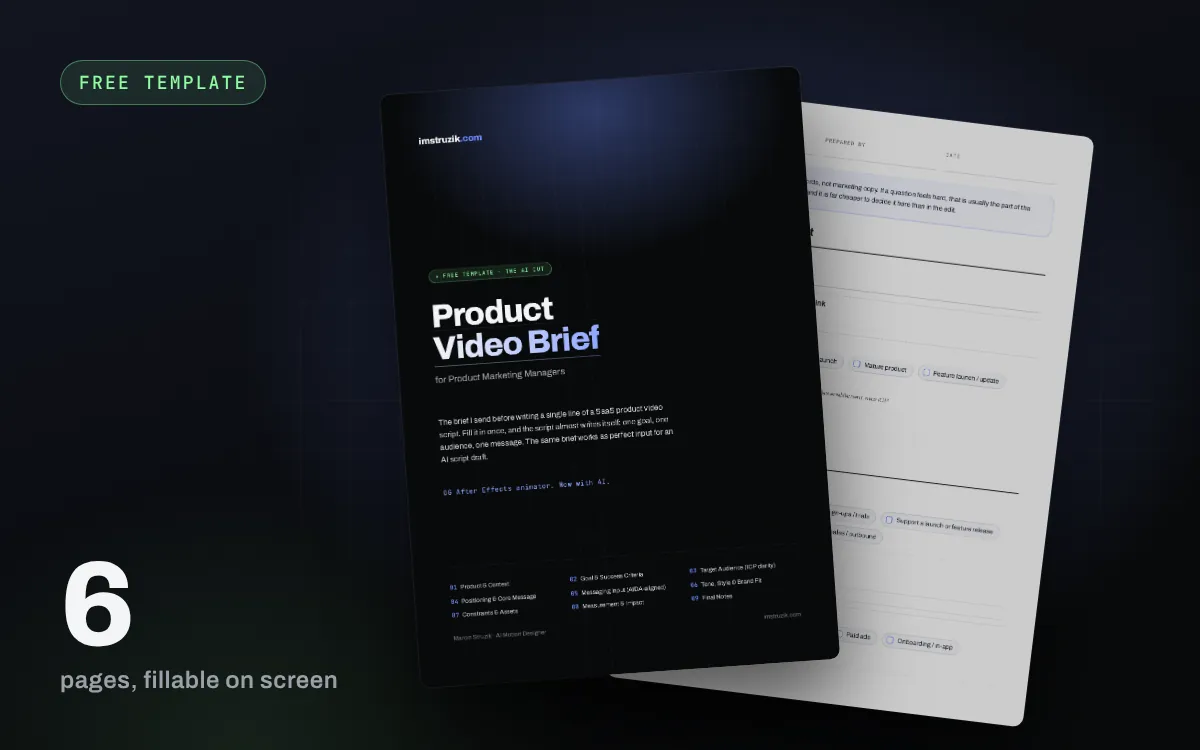
Product Video Brief
The brief I fill in before I write a single line of a SaaS product video: one goal, the audience and their real pain, a one-sentence positioning, and the message in AIDA order. Made for product marketers, fillable on screen, ready to paste into ChatGPT or Claude.
Unlock with signup
PDF · 5 pages
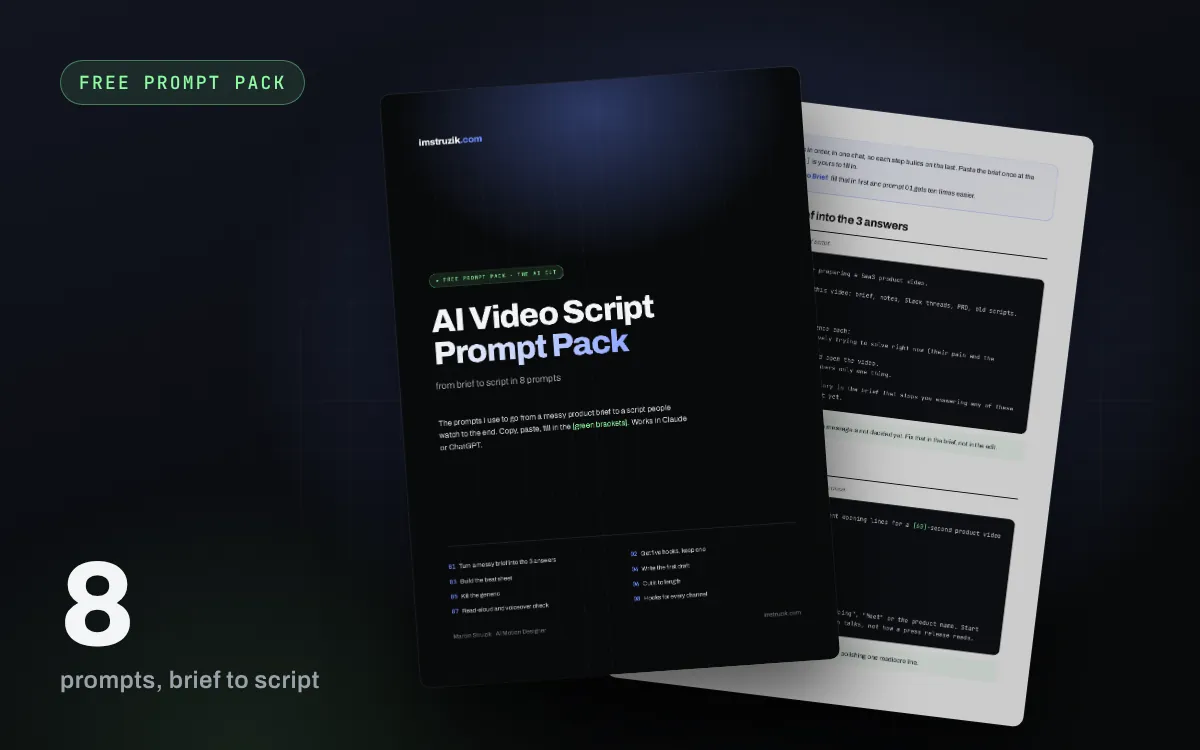
AI Video Script Prompt Pack
8 prompts that take you from a messy brief to a script people watch to the end: five hooks to pick from, a beat sheet, a first draft timed for voiceover, a pass that kills the generic phrases, and cutting it to length. With a real before and after.
Goes with the note How to write an AI video script
Unlock with signup
PDF · 4 pages · fillable
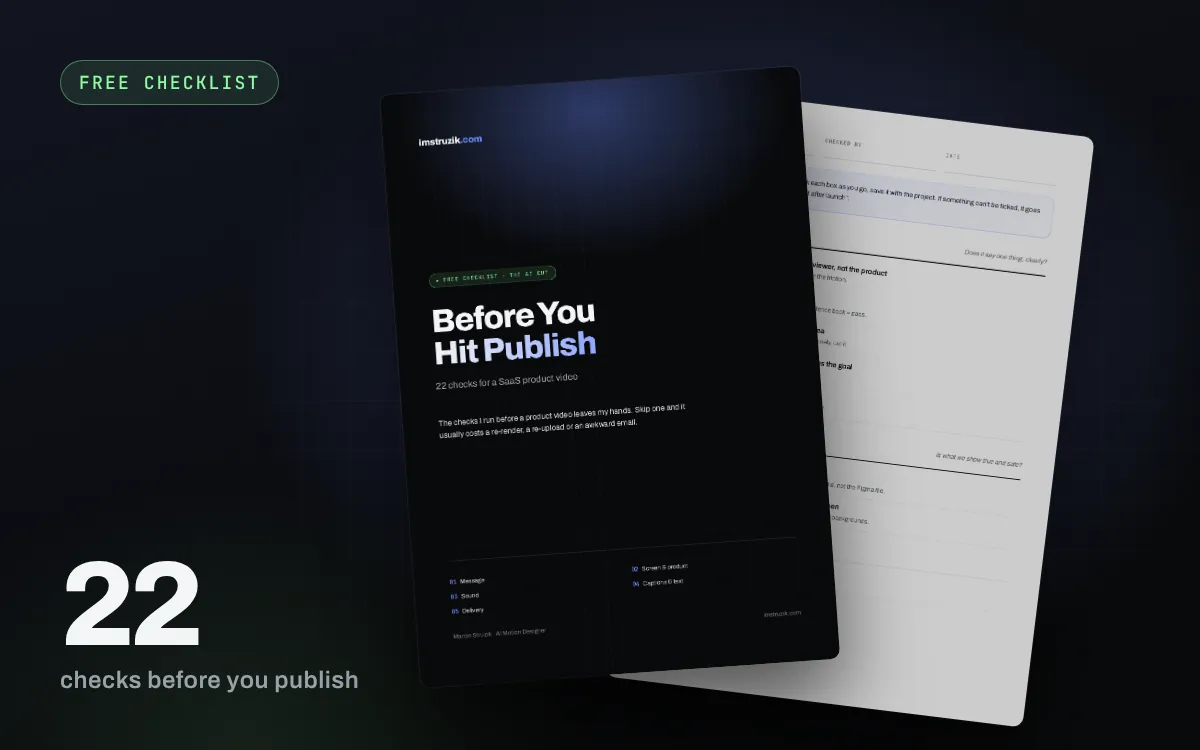
Before You Hit Publish Checklist
22 checks I run on every video before it goes out: does the first 3 seconds talk to the viewer, does it work on mute, is there any real customer data on screen, is the voiceover loud enough, do captions sit in the safe zones, is every format exported.
Goes with the note AI video editing
Unlock with signup
PDF · 4 pages
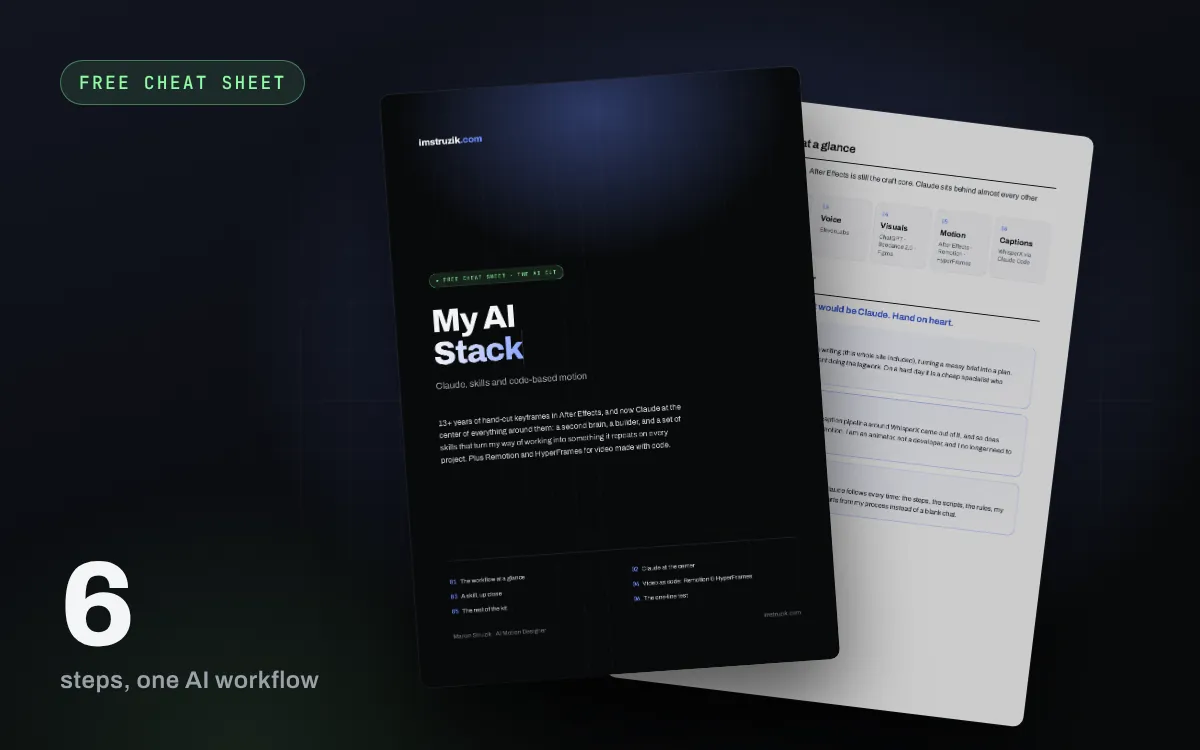
My AI Stack
The AI tools I actually use for video right now and how they fit together: Claude at the center (chat, Claude Code, skills), video built in code with Remotion and HyperFrames, and the rest of the kit.
Goes with the note The AI tools for video I would keep
Unlock with signup